
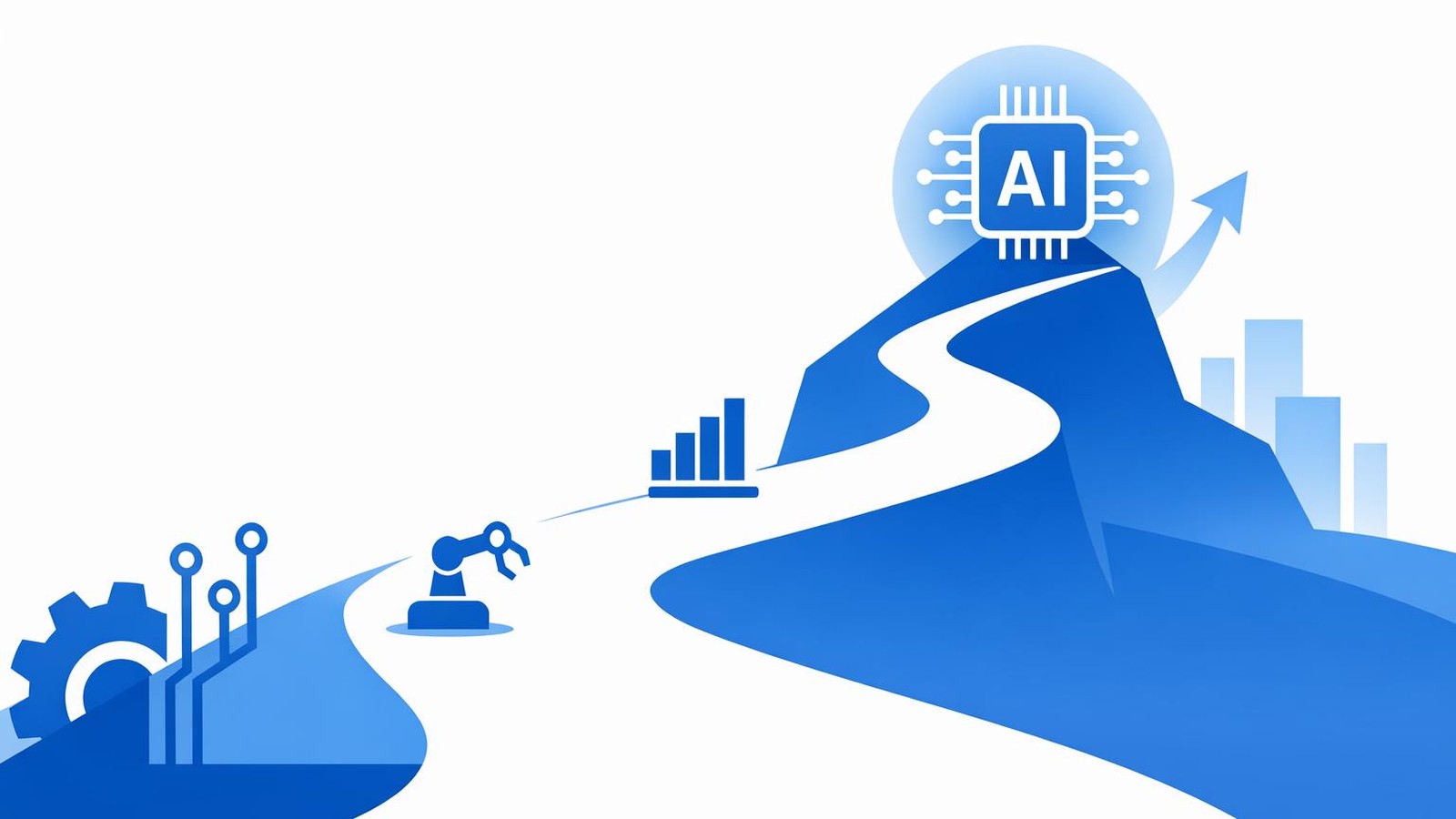
AI First Steps in 2026: A Practical Path to ROI
Get measurable AI wins without the hype with clear first steps for small businesses in 2026, from picking use cases to tracking ROI.
Introduction
AI first steps for small businesses in 2026 look very different from even two years ago. According to the OECD, firm-level AI use keeps rising, but the gap between large firms and small businesses is still wide. That means the opportunity is real, and the playing field is still open for smaller companies that move with clarity and focus. (Source: )
I talk with owners and operations leaders every week who are curious about AI but wary of the hype. They do not want a shiny tool. They want fewer bottlenecks, faster decisions, and more consistent service without adding headcount. The good news is that a plain-language path can get you there.
In this post, I will walk you through practical first steps for AI in small businesses. We will keep the language plain, focus on business outcomes, and outline how to move from first experiment to real ROI.
Why 2026 Is a Turning Point for small business AI Use
AI is no longer a novelty. Use of AI is growing across industries, and the OECD reports steady increases year over year. At the same time, smaller firms still lag behind larger ones, which creates a window where focused small businesses can gain ground fast. (Source: )
What changed? The tools are simpler, the cost of entry is lower, and many AI capabilities now come bundled with software you already use. That means you do not need a big R&D budget or a data science team to get meaningful results.
The biggest risk I see is not choosing the wrong tool. It is staying stuck in pilot mode and never tying AI to a real business outcome.
Start With Outcomes, Not Tools
When teams ask me which AI product to buy, I start by asking what outcome they want. Faster response times? Fewer errors in data entry? Better forecasting? If we cannot name the outcome in one sentence, we are not ready to evaluate tools.
A simple way to define outcomes is to tie them to measurable business results: hours saved, cycle time reduced, or revenue protected. For example:
- Reduce quote turnaround time from three days to one day.
- Cut invoice processing errors by 50%.
- Improve lead follow-up speed so more deals move to proposal.
This is also the right moment to align on constraints: budget, risk tolerance, and where you will not use AI. Setting those boundaries up front prevents scope creep and protects trust.
If you want a structured way to do this, our page outlines how we help small businesses translate business goals into clear software priorities.
Pick 2-3 High-Friction Workflows First
The best early wins come from workflows that are repetitive, text-heavy, and slow. In plain terms, AI is good at summarizing, drafting, sorting, and spotting patterns in information. That makes it a strong fit for back-office tasks that currently eat up staff time.
Here are three common starting points for small businesses:
- Customer intake and triage. AI can summarize incoming emails or forms and route them to the right person.
- Document processing. Think invoices, applications, or service reports that need to be reviewed and entered into systems.
- Internal knowledge search. AI can help staff find the right answer in your policies, SOPs, or project docs.
The key is not to automate everything. It is to pick a narrow workflow where you can measure the before-and-after in weeks, not quarters.
Clean Up the Data You Already Have
You do not need perfect data to get value from AI, but you do need data that is consistent and accessible. I often see teams trying to add AI on top of messy spreadsheets, duplicate customer records, or outdated file structures. That makes even simple improvements fragile.
A lightweight data cleanup plan can go a long way:
- Standardize the fields that matter most (names, dates, customer IDs).
- Create a single source of truth for key records.
- Document where data lives and who owns it.
This is where small integrations pay off. For example, connecting your CRM to your finance system reduces the manual handoffs that create errors. If you are curious about what that looks like in practice, our page shows how we map data and workflows before building anything.
Put a Simple AI Policy in Place Early
Even small AI pilots can create risk if expectations are unclear. A simple policy protects your team and your customers. The National Institute of Standards and Technology (NIST) provides a practical risk management framework that works for organizations of any size. (Source: )
You do not need a legal document. You need clear answers to a few questions:
- What data is off-limits for AI tools?
- Who can approve new AI use cases?
- How will you review outputs for accuracy?
This is also a good time to set the """human in the loop""" expectation. For most small business workflows, AI should assist, not replace. That keeps quality high and builds trust across the team.
Measure ROI in Weeks, Not Quarters
If you cannot measure impact quickly, you will lose momentum. I recommend choosing one or two metrics per workflow and tracking them weekly for the first month.
Examples include:
- Hours saved per week
- Error rate in data entry
- Time from request to delivery
- Customer response time
Once you have a baseline and a small improvement, you can estimate the annualized impact. This is how you turn AI from """interesting""" into a budgeted priority.
Scale What Works by Integrating With Core Systems
A pilot that lives in a separate tool rarely survives. The real value comes when AI is integrated into the systems your team already uses, such as your CRM, ERP, or service platform.
That is why I encourage small businesses to treat early wins as proof, not final solutions. Once a workflow is validated, the next step is to embed it into the system of record so the result is consistent and reliable.
For example, if AI helps draft responses to support requests, it should live inside your ticketing system, not in a separate app. If it summarizes sales calls, those summaries should land in your CRM so they are searchable and actionable. For teams that need a stronger customer data foundation first, a focused CRM upgrade can be a smart bridge. Our outlines what that upgrade can look like.
Conclusion
AI first steps for small businesses in 2026 do not need to be complicated. Start with clear outcomes, choose two or three high-friction workflows, clean up the data you already have, and put simple guardrails in place. That approach builds confidence, delivers measurable ROI, and gives your team the momentum to scale what works.
If you want help turning these first steps into a practical 90-day plan, I would love to talk through your specific goals and constraints.

Emma Smith
Marketing Manager at Masterful Software with over 5 years of experience in technology marketing. Passionate about helping small businesses understand how technology can transform their operations. When not writing about tech trends, you'll find me exploring new coffee shops and planning my next hiking adventure.
Ready to Transform Your Business?
Ready for clear AI first steps that fit your team and budget? Let's map the first 90 days together.